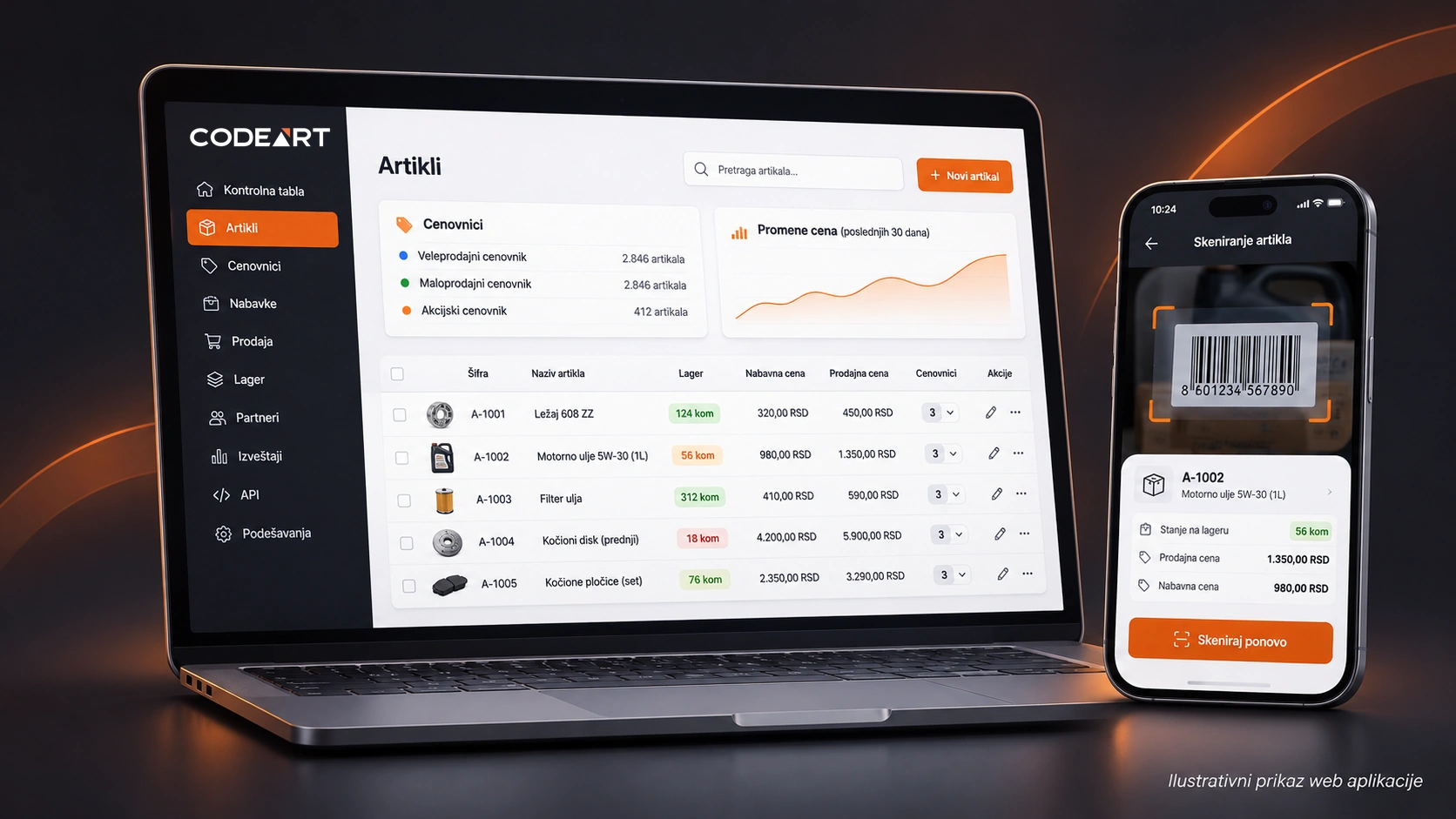

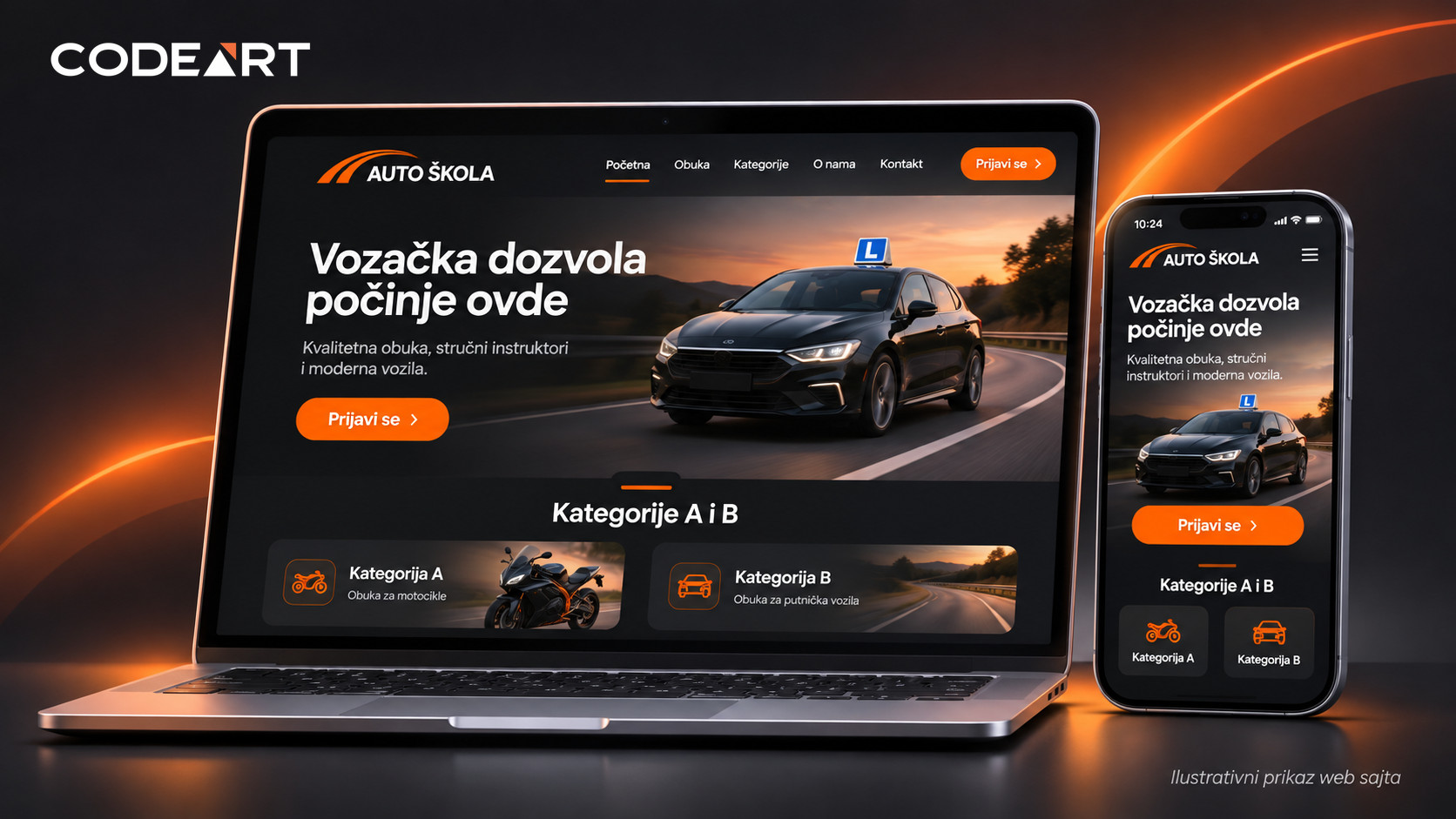
Most small and medium-sized companies don’t need a website with dozens of complicated features. They need a website where a future customer can easily understand what the company offers, who the service is for and how to get in touch. If visitors can’t find that information, an attractive design alone doesn’t solve the problem.
Below we show how we think about business website development, using a driving school as the example. It is a good example because visitors often have very specific questions: which categories are offered, what the training looks like, where the school is located and how to sign up.
About this example: the structure and screens shown serve as an illustration of how to plan a website, based on needs that arise in projects of this type. We do not claim that the website shown has been published, nor do we cite made-up results or numbers of sign-ups.
A website shouldn’t just look good — it needs a clear goal
Imagine a future student searching on their phone for options to take the category B test. They open several websites, but on one of them they first see a long story about the company’s history, while they have to search for a long time for information about categories.
On another website they already see on the home page which categories are offered, can open the training details and easily find the sign-up or a phone number. Such a structure doesn’t guarantee a new sign-up, but it removes unnecessary obstacles between interest and contact.
That is why the first question when building a website is: what should visitors do after they find the information? For a driving school it might be a call, a message or signing up for training. For a repair shop it could be a request for an appointment, and for a manufacturing company sending a request for a quote.
1. The home page: explain what you do in a few seconds
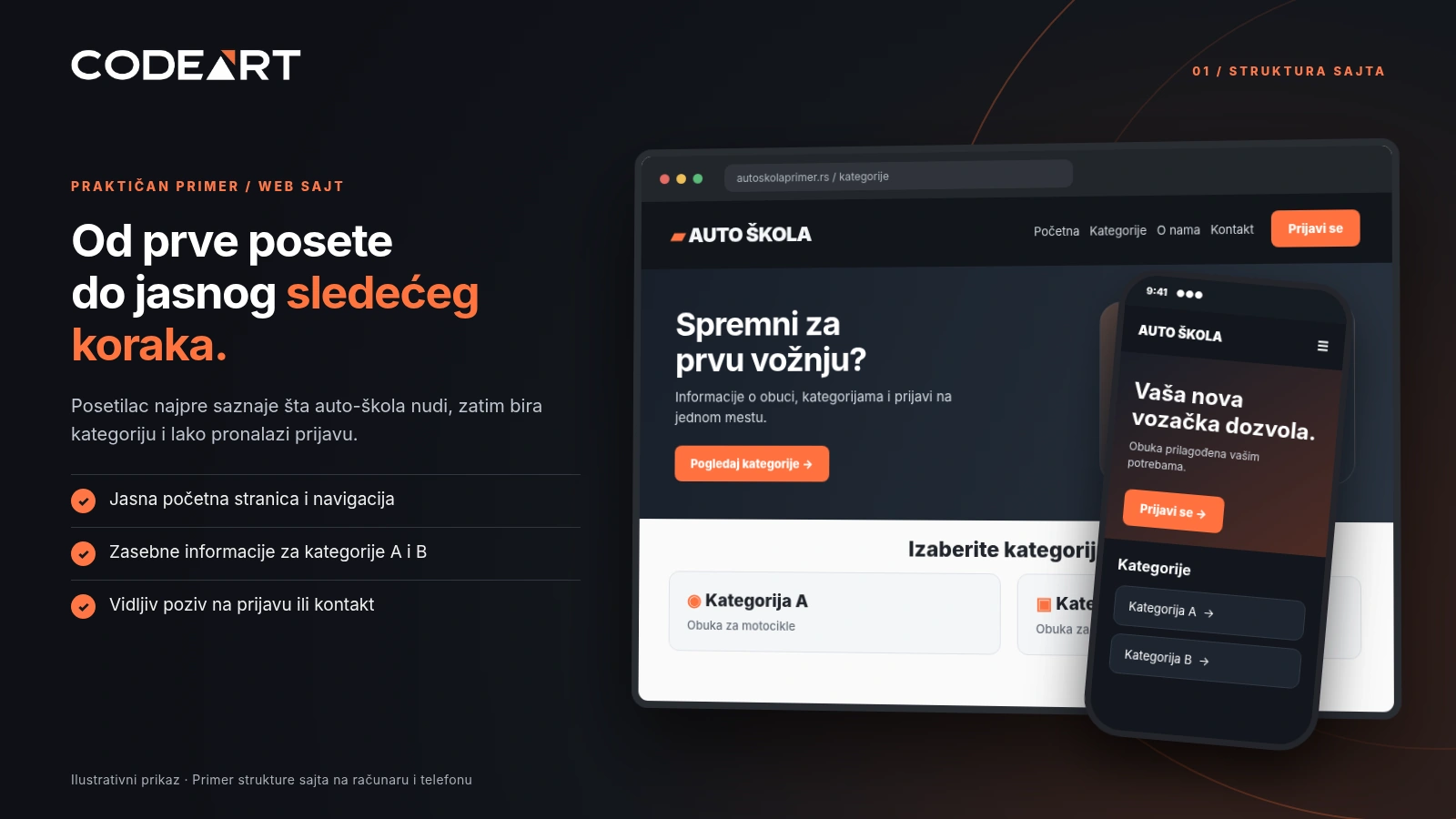
The headline on the home page should be understandable even to someone hearing about the company for the first time. Instead of vague messages, it is more important to clearly present the service, the location when relevant, and the next step.
For a driving school website this means a clear introduction, visible training categories, the main advantages and a “Sign up” or “Contact us” button. The phone number and address should be easy to find, especially on mobile devices.
The home page doesn’t have to contain every piece of information. Its job is to direct visitors to the right page.
2. Website structure: every important service deserves a clear explanation
In this example a sensible layout includes the home page, “About us”, separate information for categories A and B, the vehicle fleet, frequently asked questions, student sign-up and contact.
Separate pages for categories make navigation easier. On the category B page a visitor expects an explanation of the training process and requirements, while other information is relevant for category A. It isn’t ideal to cram everything into one long text.
Information must be accurate and up to date. If the website includes prices, schedules or special training conditions, you need to agree who maintains them and when they change.
3. Online sign-up: from interest to a concrete inquiry
For service companies the contact form is often one of the most important parts of the website. If it is too long or unclear, visitors may give up before sending it.
For an initial driving school sign-up it is enough to consider a few basic fields:
- First and last name – so the school knows who to address.
- Phone number and email – a way to reply to the inquiry.
- Desired category – a choice of A or B.
- Existing driving license category – whether the candidate already holds a category, with an additional choice if the answer is “Yes”.
- Note – an optional field for questions.
It is important to make the form easy to fill in on a phone, to validate incorrectly entered data and to show a clear message after successful submission. The form should not collect more personal data than is needed for the purpose of the sign-up, and the way data is processed must comply with the company’s applicable obligations.
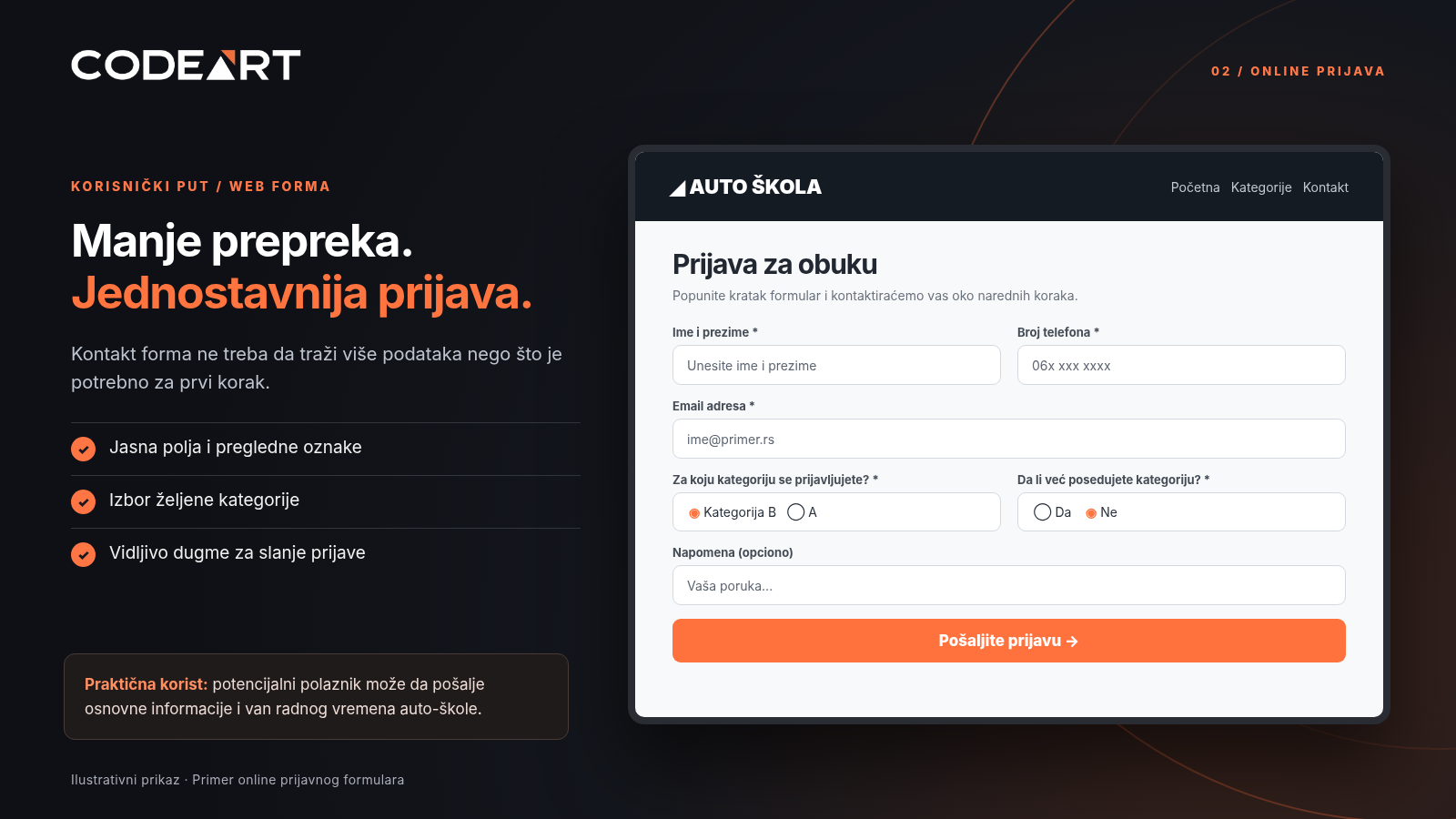
A form like this can receive an inquiry even when staff don’t answer the phone. Processing the sign-ups, automatic messages or storing data in the administration panel are separate features that are agreed according to the needs of the project.
What would a single visitor’s journey look like?
Looks for training
On Google or through a recommendation, they find the page relevant to the category they are interested in.
Gets answers
They read the information they need and easily find the requirements, location and contact.
Sends a sign-up
They fill in a short form or call the school without going back through multiple pages.
This flow seems simple because it is supposed to be simple. A website’s success is measured not only by the number of visits, but by whether the people who come can do what they opened it for.
The mobile view is not a shrunken version of the desktop site
There is less space on a phone, so it is important that the headline stays readable, the menu is clear and the buttons are large enough to tap. Sign-up must not require horizontal scrolling or constant zooming.
Responsive design means that the layout of the content adapts to the screen size. In practice we therefore pay special attention to the intro section, navigation, category cards, the form and the phone number as a direct call link.
Fast loading, optimized images and a stable layout further affect the user experience. There is no benefit in an attractive video in the header if it makes visitors wait a long time to see the important information.
SEO optimization starts before the website is published
Good SEO is not just inserting the keyword “driving school” in as many places as possible. Pages need to clearly answer specific questions and search engines need to be able to find and understand them properly.
For this example that means a logical heading hierarchy, separate and useful training pages, readable URLs, descriptive titles and meta descriptions, properly described images and appropriate internal links.
If the company operates locally, it is useful to present the name, address and phone number consistently and to maintain the information in the Google Business Profile. Local SEO also includes content relevant to the place where the company provides services — but without an unnatural listing of city names.
Important for expectations: basic SEO optimization creates a good technical and content foundation, but does not guarantee a particular position on Google. The result also depends on competition, content quality, the authority of the website and ongoing work.
How does the business owner change texts, images and information later?
For standard business websites a practical choice is WordPress, a system that lets you edit existing content without programming. The website owner can add to the text, replace a photo or publish a news item through the administration panel.
At CodeArt, for this type of project we build WordPress websites with custom design, basic SEO optimization and training in editing content.
For special features, integrations or more complex business processes, you need to assess further whether standard solutions are enough or whether custom development should be planned.
What should you check before the website goes live?
Before publishing, it isn’t enough to just check whether the home page looks nice. You should walk through the basic situations a real visitor will face:
- Do all important pages open and do the buttons work?
- Can the contact form be filled in and sent from a phone?
- Is it clearly visible what happens after sending?
- Are the phone number, address and working hours correct?
- Do images load quickly and display properly?
- Are titles, descriptions and links prepared for indexing?
Once these things are sorted out, the website has a much better foundation for everyday use. Further improvements can be planned based on real client questions and website usage data, instead of guesswork.
How many pages does a small business need?
There is no universal number. Some need just a few carefully written pages, while others need a more detailed presentation of services. It matters more that every page has a clear purpose than that there are as many as possible.
In the case of a driving school, a logical foundation might be Home, About us, categories A and B, vehicle fleet, sign-up and contact. FAQs can be a separate page or part of the relevant training pages.
A plan like this can easily be adapted to a medical practice, a trade business, a repair shop or another line of work. The content and the required features change, while the principle stays the same: make it easy for a person to find information and take the next step.
Frequently asked questions about building business websites
How much does a business website cost?
The price depends on the number of pages, design complexity, content, forms, possible multilingual support and additional features. The most useful quote comes when you first define what is needed.
How long does it take to build a website?
A simple business website can be ready relatively quickly when the texts, photos and content decisions are ready. The exact timeline depends on the scope of the project and how quickly materials are delivered.
Does a website have to work well on a phone?
Yes. The mobile view matters for readability, easy navigation through the content and using forms. Responsive design should therefore be planned from the start.
Will I be able to change the content myself?
On a WordPress website you can edit texts, images and posts through the administration panel. At handover we need to explain which parts the owner can safely change.
Will the website automatically be first on Google?
No. Technical and basic content SEO optimization helps search engines understand the website, but positions depend on many factors and cannot be guaranteed.
Note: The visuals in the article are conceptual examples of a driving school website. They are not proof of a published website or of business results achieved. The form shown in the illustration is not functional.